Reshine Player Tools Hub
Specs, paint ideas, and practical references beside the guides.
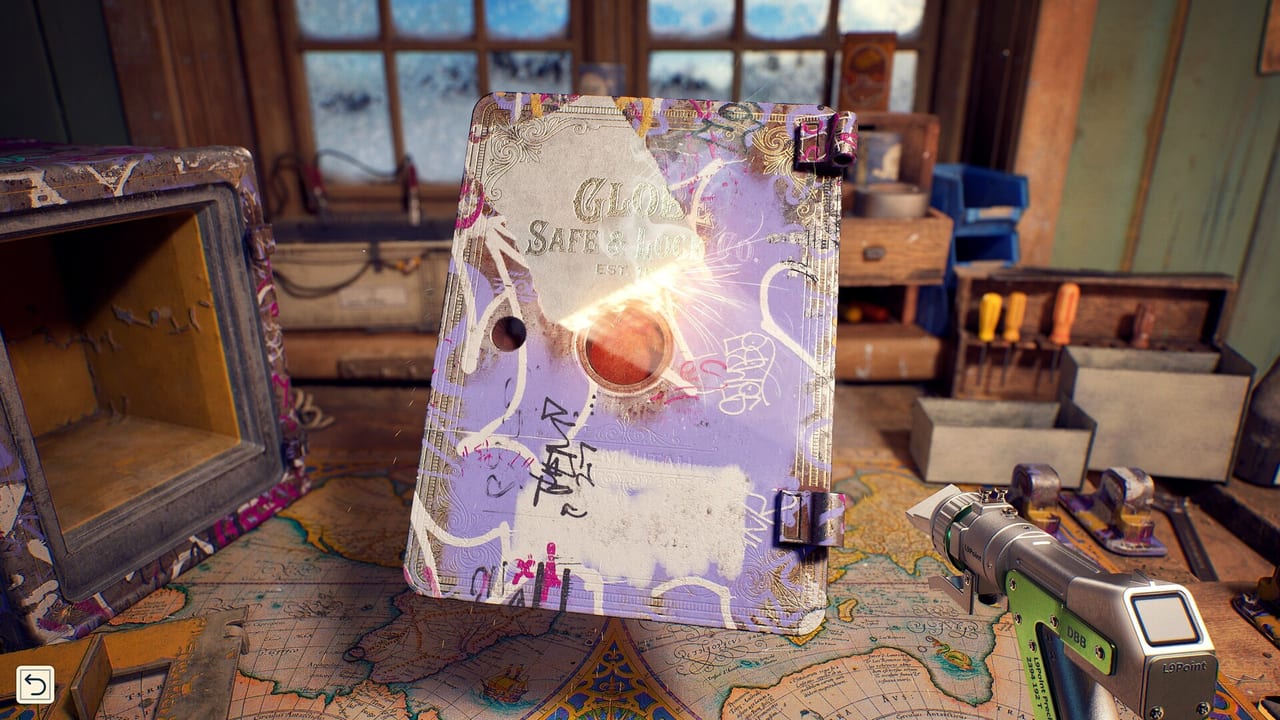
The Tools Hub gathers practical Reshine references that sit beside narrative guides. Use these pages when you need hard numbers, paint inspiration, or a quick confirmation that your PC or Deck can handle the attic workshop.
Pages in this hub
- System Requirements — official minimum and recommended PC specs, storage, DirectX 12 notes, and how they relate to Steam Deck Verified play.
- Paint & Customize — color strategy, replay value, and how finishes fit the restoration loop without scoring pressure.
How tools pages differ from guides
Guides teach process: disassemble, clean, reassemble. Tools pages answer lookup questions: “Can my PC run Reshine?” and “Should I paint historically or wildly?” Keep both open while you play. For technique, return to How to Restore; for first-hour orientation, use Getting Started.
Pre-launch checklist using tools
- Compare your GPU against the system requirements list.
- Decide whether you will play mouse-first, pad-first, or Deck-first via Controls and Steam Deck.
- Sketch a paint plan on Paint & Customize before starting the gramophone so you are not choosing colors under fatigue.
- Confirm price and platforms on Release Date & Price.
After launch
When the full antique roster arrives on November 26, 2026, this hub will expand with any new utility pages players request — for example, object checklists or settings presets. Until then, the two tools pages plus the Guides hub cover the demo and launch-day needs.
Official store features worth remembering while you browse tools: single-player, Steam Achievements, Steam Cloud, full controller support, adjustable text size, and camera comfort options. None of those replace good lighting and slow laser strokes, but they make longer sessions kinder.
Explore the links above, then jump back into the attic. Tools exist to remove friction so restoration stays the main event.
Session planning with tools
Open System Requirements once when you install, then leave it alone unless you change hardware. Keep Paint & Customize nearby when you finish cleaning a complex part and feel decision fatigue — a short palette plan prevents restarting a stage just to chase a better color.
After November 26, 2026
Expect this hub to grow with checklists for the full antique roster, accessibility presets, and any new comfort toggles that ship in day-one patches. Until then, pair these tools with the Guides hub and the Updates hub so technique, specs, and news stay synchronized.
Quality bar
Every tools page should answer a lookup in under a minute and still offer enough depth for players who want context. If a page feels thin, we expand it from official specs and demo-verified practice rather than filler keywords.
Frequently Asked Questions
Quick answers to the most common questions.
What is in the Reshine Tools hub?
System requirements and paint customization references, with room to grow after the full launch.
Do I need these pages before the demo?
Checking system requirements first avoids install surprises. Paint tips can wait until your first cleaned antique is ready for color.