Reshine Restoration Guides Hub
Walkthroughs and how-tos for every stage of the restoration loop.
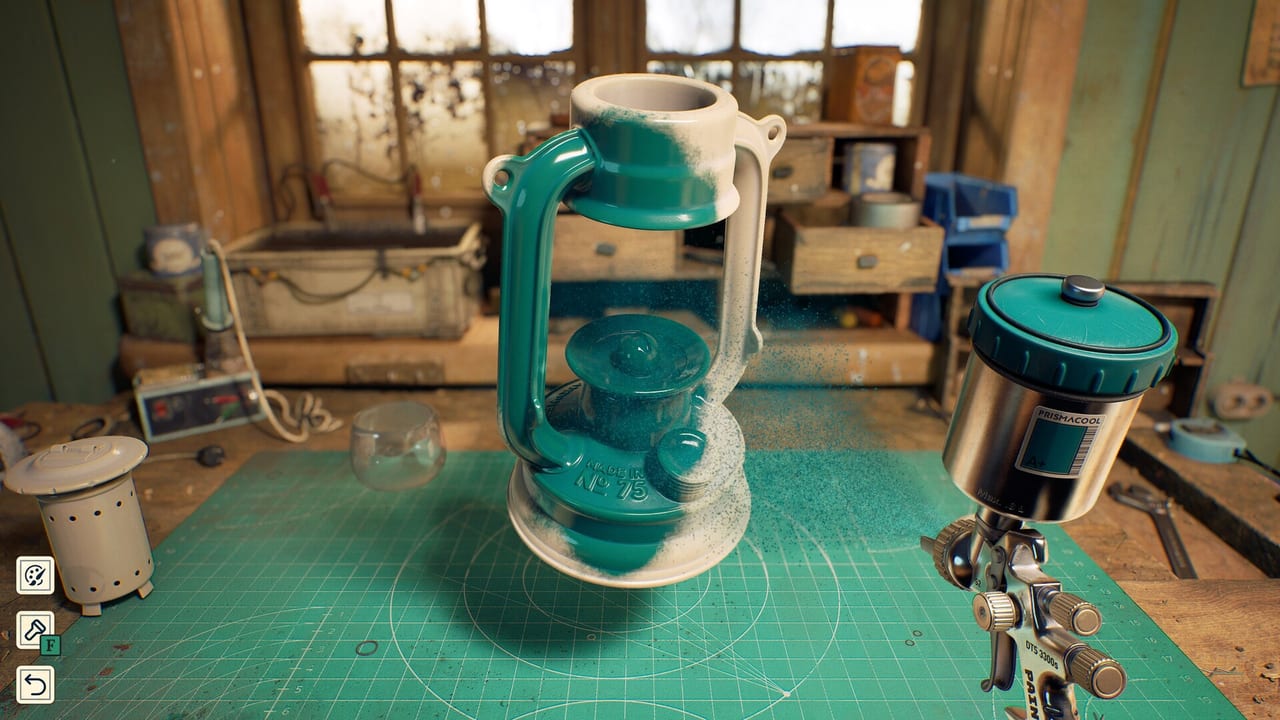
Welcome to the Reshine Guides Hub. These pages answer the questions players ask while wishlisting, demoing, and launching into the full attic workshop. Every guide is written for the cozy restoration fantasy: disassemble carefully, clean thoroughly, paint freely, and reassemble with pride — without shop timers or management layers getting in the way.
Start here
- Getting Started — first-hour checklist, what Reshine is (and is not), and how to move from demo to launch day.
- How to Restore — disassembly, electrolysis, sandblasting, laser cleaning, UV checks, painting, and reassembly.
- Electrolysis Tips — waveform matching, input tweaks, and the skip toggle.
- Controls — mouse, keyboard, and controller habits that keep restoration smooth.
- Demo Walkthrough — compass, coffee grinder, and gramophone tips with difficulty progression.
- Antiques List — every demo object and full-roster expectations.
- Console Versions — PS5, Switch, Xbox, and Steam day-one notes.
- Steam Deck — Verified handheld setup, controller notes, and comfort tips.
What these guides solve
Players searching for Reshine help usually want clarity on the restoration pipeline, input bindings, demo length, and whether the game stays cozy after the free trial. Our guides map those intents directly. If you are stuck matching electrolysis waveforms, wondering how slowly to drag the laser, or unsure which antique to restore first, jump to the matching page instead of scrubbing a full playthrough video.
Cross-link into tools and news when you need numbers: System Requirements for DirectX 12 specs, Paint & Customize for color experiments, Release Date & Price for the November 26, 2026 window, and Demo Patches for hotfix notes from the Next Fest build.
How we write guides
Each English guide aims for depth over filler. We cite official Steam copy and developer news for release facts, then layer demo-verified technique tips (electrolysis matching, UV inspection, laser stride speed) so you can finish antiques cleanly. Videos are embedded mid-article when a real YouTube playthrough or trailer helps — never more than one per page.
Suggested learning path
- Read Getting Started and wishlist or install the demo from the Links hub.
- Skim Controls once so camera rotate and part select feel natural.
- Follow How to Restore while restoring your first object.
- Use the Demo Walkthrough when you reach the coffee grinder and gramophone.
- Check Steam Deck if you switch to handheld.
Return to this hub whenever you need a map of every tutorial. New post-launch guides will land here after November 26, 2026 as the full antique roster expands beyond the demo set.
Frequently Asked Questions
Quick answers to the most common questions.
Which Reshine guide should I read first?
Start with Getting Started, then How to Restore. Use the Demo Walkthrough once you have the free Steam demo installed.
Do guides include videos?
Yes, when a verified YouTube video helps. Each page embeds at most one video in the middle of the article.
Will more guides appear after launch?
Yes. After the November 26, 2026 release we will expand walkthroughs for the full antique list and any new tools.